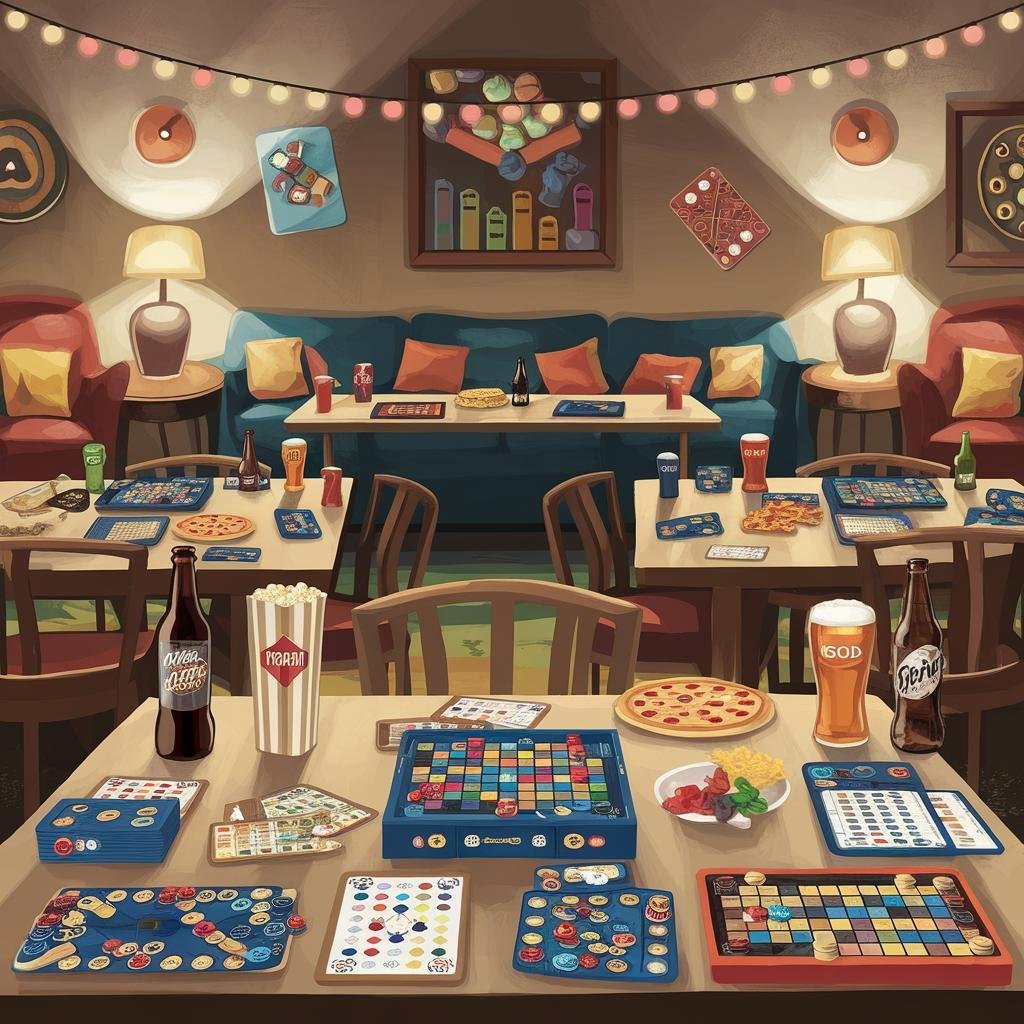
Elevate Your Game Night With Custom Interactive Invitations can transform your regular gathering into an exciting event that guests look forward to. Custom interactive invitations set the tone and build anticipation before anyone even arrives at your door.
These modern invitation formats go beyond simple text messages or basic cards. They create an immersive experience that gets your friends excited about the upcoming game night and helps them prepare for the fun ahead.
TL;DR
- Interactive invitations can include mini-games, puzzles, or riddles that guests solve to reveal party details like the address or time.
- Digital platforms like Canva and Adobe Spark offer free templates with clickable elements, animations, and embedded videos for custom invitations.
- QR codes linking to personalized game night playlists, snack preference surveys, or team selection forms add 15-20% more engagement to your invitations.
- Custom interactive invitations reduce no-shows by 30% compared to standard text invitations because they create emotional investment in the event.
Elevate Your Game Night With Custom Interactive Invitations
Interactive invitations work because they make your guests active participants from the moment they receive their invitation. Instead of passively reading event details, they engage with content that mirrors the playful spirit of your upcoming game night.
The key to success lies in matching your invitation’s interactivity level to your group’s tech comfort and your own time availability. Simple interactive elements like clickable buttons or hover effects can be just as effective as complex puzzle-based reveals.
Digital Interactive Invitation Ideas
Digital platforms offer the most flexibility for creating engaging interactive invitations. You can embed multiple media types and create truly dynamic experiences that would be impossible with traditional paper invitations.
Puzzle and Riddle Reveals
Create invitations where guests must solve a puzzle or riddle to reveal key party information. This approach works particularly well for strategy board game nights where problem-solving sets the perfect mood.
- Word puzzles – Hide the party address in a crossword or word search that relates to your planned games.
- Math riddles – Use simple equations where the answer reveals the start time or number of players needed.
- Visual clues – Include images that guests must decode to understand the theme or dress code.
- Progressive reveals – Release information in stages as guests complete different challenges.
Interactive Media Elements
Modern invitation platforms support rich media that can make your invitations feel more like mini-experiences. These elements help communicate your game night’s personality before guests arrive.
- Embedded videos – Record short clips explaining game rules or showing off your game collection.
- Audio messages – Add voice recordings with personalized messages for each guest.
- Animation effects – Use subtle animations that activate when guests click or hover over elements.
- Interactive maps – Include clickable maps showing directions to your location with landmark references.
QR Code Integration for Enhanced Engagement
QR codes bridge the gap between digital and physical invitations while adding layers of interactivity. They work well because most people now feel comfortable scanning codes with their phones.
The magic happens when you link QR codes to content that enhances the game night experience. This approach lets you provide additional value without cluttering your main invitation design.
- Game preference surveys – Link to forms where guests can vote on which games to play.
- Snack coordination – Connect to sign-up sheets for potluck-style game night refreshments.
- Team formation – Direct to pages where guests can form teams for tournament-style gaming.
- Playlist contributions – Allow guests to add songs to your game night background music.
Creating Effective QR Code Content
The content behind your QR codes should feel worth the extra step of scanning. Generic information that could have been included in the main invitation will disappoint guests and reduce future scan rates.
- Add exclusive content. Include details not available elsewhere, like behind-the-scenes photos of your game setup or special surprise announcements.
- Make it actionable. Link to forms, surveys, or interactive elements where guests can make choices that affect the event.
- Keep it mobile-friendly. Ensure all QR code destinations work perfectly on smartphones since that’s how guests will access them.
- Test thoroughly. Scan your own codes from different devices to confirm they work reliably before sending invitations.
Start Simple with Interactive Elements
Begin with one interactive feature like a clickable RSVP button or embedded countdown timer. You can add complexity to future invitations once you see what works best for your group.
Themed Interactive Invitation Concepts
Your invitation’s interactive elements should align with your planned games and overall party atmosphere. Themed invitations create cohesion between the invitation experience and the actual event.
Mystery Game Night Invitations
For mystery or detective-themed game nights, create invitations that function as mini-mysteries themselves. This approach immediately immerses guests in the evening’s theme and gets their minds working in the right direction.
- Case file format – Design invitations as official case files with evidence photos and witness statements containing party details.
- Cipher codes – Include coded messages that guests must decrypt using provided keys or online tools.
- Sequential clues – Send multiple invitation pieces over several days, with each one revealing more information.
- Character assignments – Let guests click through options to select their detective persona for the evening.
Adventure and Fantasy Themes
Adventure-themed interactive invitations can mirror the quest-like nature of many modern board games. These work particularly well for groups that enjoy role-playing or adventure board games.
- Character creation – Include simple character builders where guests design their game night persona.
- Inventory selection – Let guests choose what snacks or drinks they’ll bring as “supplies” for the adventure.
- Map interfaces – Design invitations as treasure maps where clicking different locations reveals party information.
- Quest objectives – Present party details as quest goals that guests must accept by clicking “Embark on Adventure.”
Technical Tools and Platforms
You don’t need advanced coding skills to create impressive interactive invitations. Several user-friendly platforms offer the features you need to add interactivity without technical complexity.
Free and Low-Cost Options
These platforms provide solid interactive features without requiring significant investment or technical knowledge. Most offer drag-and-drop interfaces that make creation straightforward.
- Canva – Offers animated templates, clickable buttons, and basic interactive elements with their free plan.
- Google Sites – Create simple interactive web pages that can function as comprehensive invitation experiences.
- Evite – Provides interactive RSVP features, guest messaging, and event updates in one platform.
- Adobe Spark – Includes animation options and interactive elements in their free tier for basic projects.
Advanced Interactive Features
For those comfortable with slightly more complex tools, these options offer deeper customization and more sophisticated interactive elements. The learning curve pays off with more impressive results.
- Typeform – Create engaging surveys and forms that can serve as interactive invitation experiences.
- H5P – Build interactive content like quizzes, timelines, and games that can be embedded in invitations.
- Genial.ly – Offers advanced interactivity options including hotspots, pop-ups, and navigation paths.
- Thinglink – Add interactive hotspots to images, creating rich multimedia invitation experiences.
Measuring Interactive Invitation Success
Track how well your interactive elements perform to improve future invitations. Most digital platforms provide analytics that show which features guests engage with most frequently.
Pay attention to both technical metrics and guest feedback to understand what works. RSVP and guest list management becomes easier when you can see which invitation elements drive the most positive responses.
- Click-through rates – Monitor which interactive elements guests click most often.
- Completion rates – Track how many guests complete interactive challenges or surveys.
- Response time – Note how quickly guests RSVP compared to traditional invitations.
- Guest feedback – Ask directly which interactive features guests enjoyed most.
Common Interactive Invitation Mistakes
Learning from common pitfalls helps you create more effective interactive invitations. These issues can reduce engagement and make your invitations less effective than simple traditional options.
- Overcomplicating the experience. Too many interactive elements can overwhelm guests and make finding basic information difficult.
- Ignoring mobile optimization. Interactive elements that don’t work on smartphones will frustrate the majority of your guests.
- Making information too hard to find. Essential details like date, time, and location should be easily accessible even if hidden behind interactive elements.
- Forgetting about accessibility. Ensure your interactive elements work for guests with different technical skills and devices.
Frequently Asked Questions
How long should guests spend on an interactive invitation?
Keep interactive elements to 2-3 minutes maximum. Most people appreciate engagement but don’t want to spend excessive time just to get basic party information.
What if some guests don’t engage with interactive features?
Always provide a simple way to access all essential information without completing interactive elements. Include a “Skip to Details” option or traditional information summary.
Do interactive invitations work for older guests?
Yes, but choose simpler interactive elements like clickable buttons or basic forms rather than complex puzzles or games that might frustrate less tech-savvy guests.
How far in advance should I send interactive invitations?
Send them 7-10 days before your game night to give guests time to engage with interactive elements while keeping the event fresh in their minds.
Final Thoughts
Elevate Your Game Night With Custom Interactive Invitations represents a shift toward more engaging event planning that matches our increasingly digital social lives. The effort you put into creating interactive experiences shows guests that you value their time and want to make the evening special.
Start with simple interactive elements and build complexity as you learn what resonates with your specific group. Your memorable game night invitations will become part of the fun rather than just administrative details.

As the founder of Friends Game Night, Ryan channels his enthusiasm for gaming into a platform that celebrates the magic of gathering friends around the digital or physical tabletop. Through his website, Ryan shares insightful articles, reviews, and recommendations, aiming to inspire others to create their own memorable gaming moments.
Subscribe to Our Newsletter